Rackometry

Know what belongs in every rack.

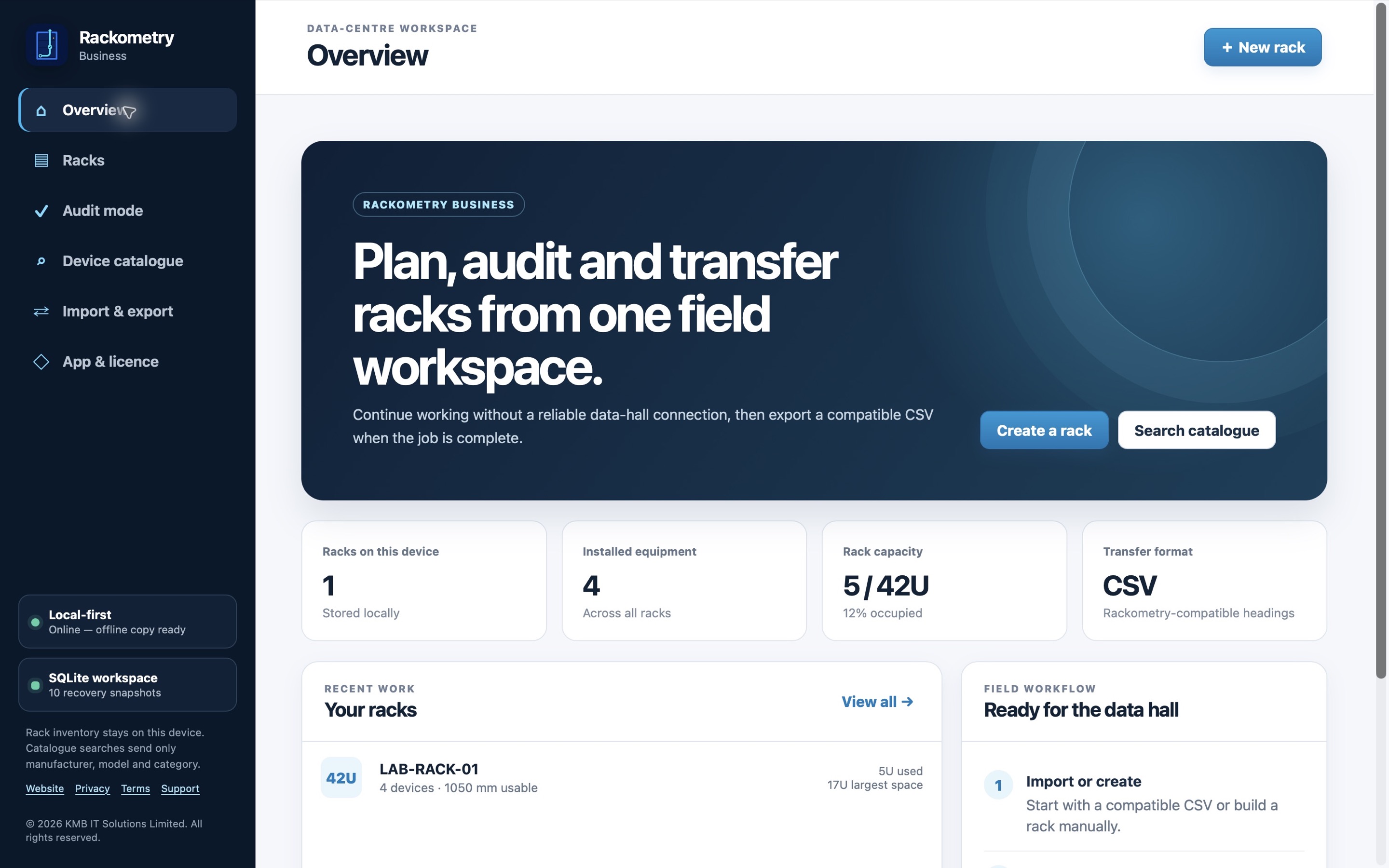
Build a clear rack plan, record devices and power, then compare the plan with what you find on site. Choose the personal Apple app or the organisation-focused desktop edition.

Rackometry Business desktop overview using fictional sample rack data

Two ways to work

One name. Different workflows.

The personal and business editions are separate products. Pick the one that matches how you work.

Personal Apple app

Rackometry

Visual rack planning for an individual building and maintaining their own rack records on Apple devices.

  • Plan front and rear equipment placement
  • Capture device and PDU information
  • Keep a portable record for your next check
Explore the personal app ↗
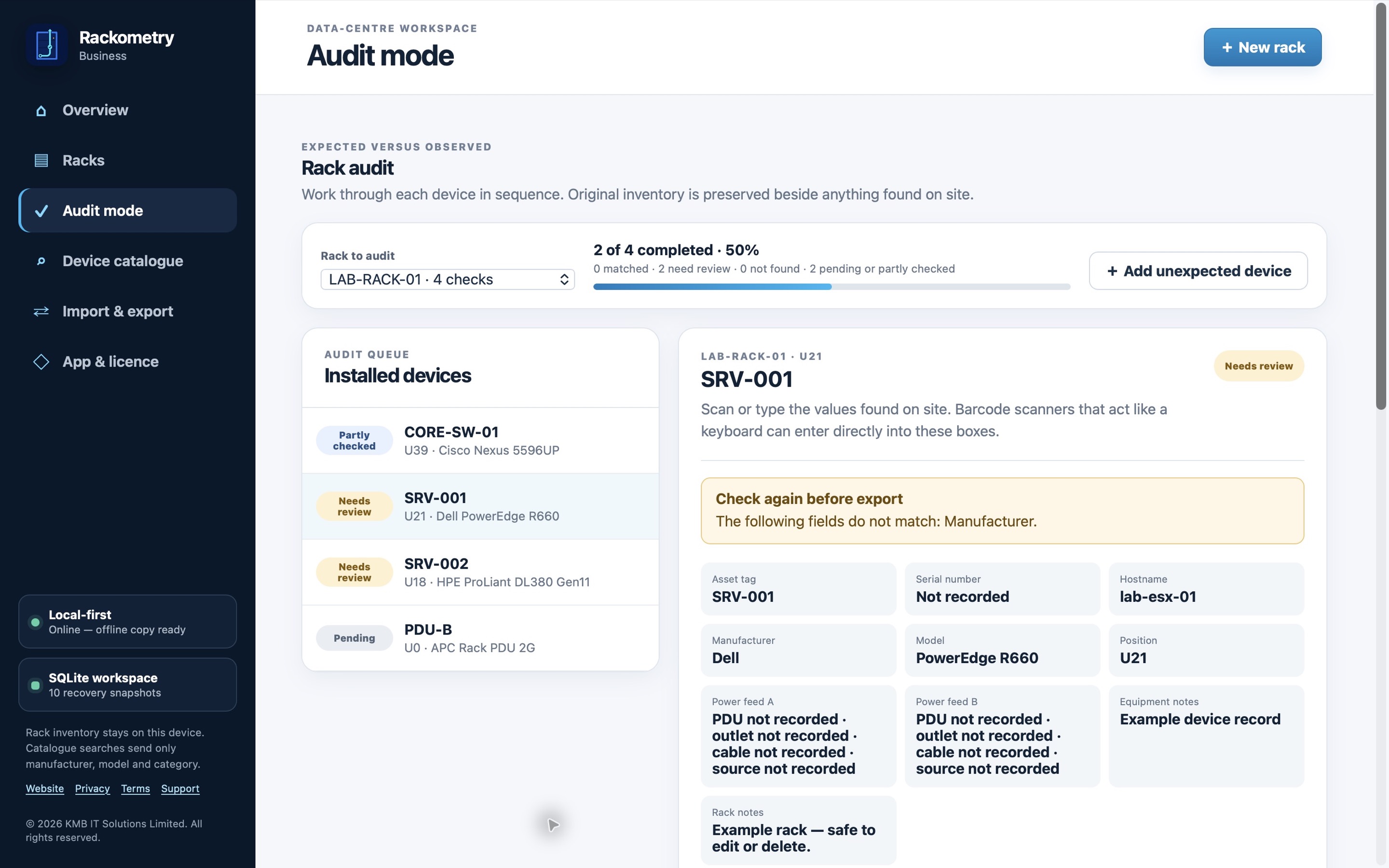
Rackometry Business audit screen showing fictional sample records

Rackometry Business

Audit what is there, not just what was planned.

Record what you observe, capture notes and discrepancies, and export a structured handover. Rack data is kept on the computer used for the work; licensing and optional catalogue features have their own documented network behaviour.

The screenshot uses fictional sample data. Current downloads and checkout remain on the KMB website.

Need a team rollout?

Start with the right edition.

See licensing, evaluation and platform details on the current Rackometry Business page before you install.